
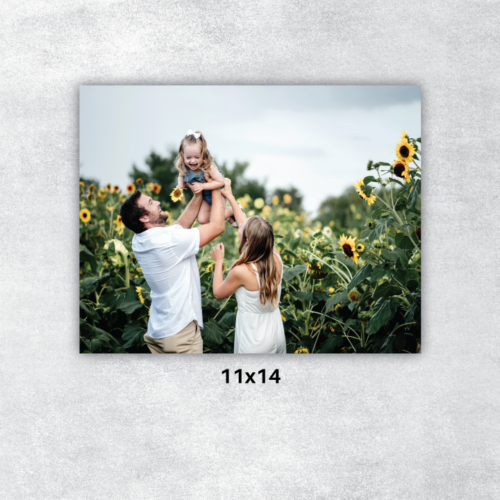
Upload your photos directly to LDMedia for printing. Once uploaded, make sure to add the correct quantity to your cart. Any extra photos uploaded will incur additional charges, which must be paid upon pickup.
-
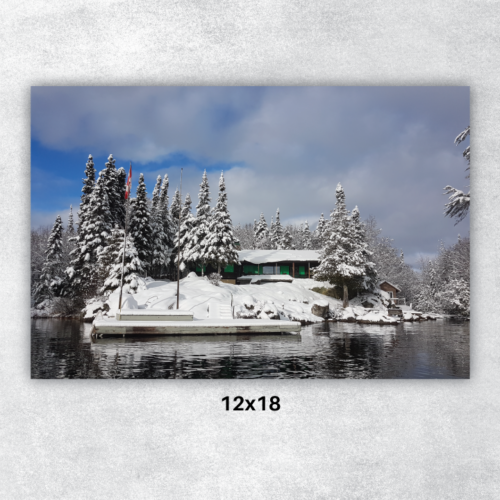 Upload your photos directly to LDMedia for printing. Once uploaded, make sure to add the correct quantity to your cart. Any extra photos uploaded will incur additional charges, which must be paid upon pickup.
 -
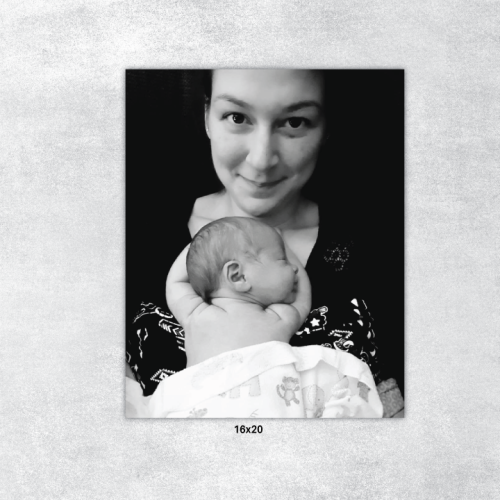 Upload your photos directly to LDMedia for printing. Once uploaded, make sure to add the correct quantity to your cart. Any extra photos uploaded will incur additional charges, which must be paid upon pickup.
 -
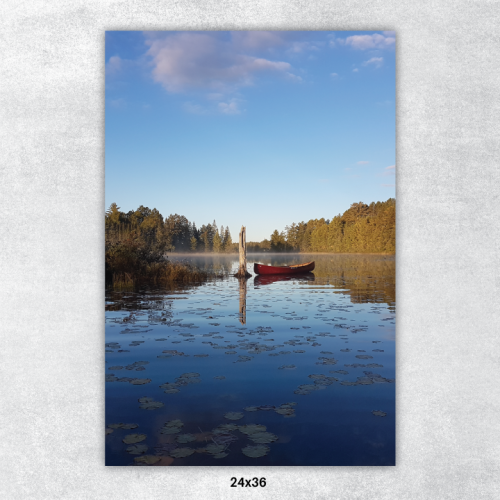 Upload your photos directly to LDMedia for printing. Once uploaded, make sure to add the correct quantity to your cart. Any extra photos uploaded will incur additional charges, which must be paid upon pickup.
 -
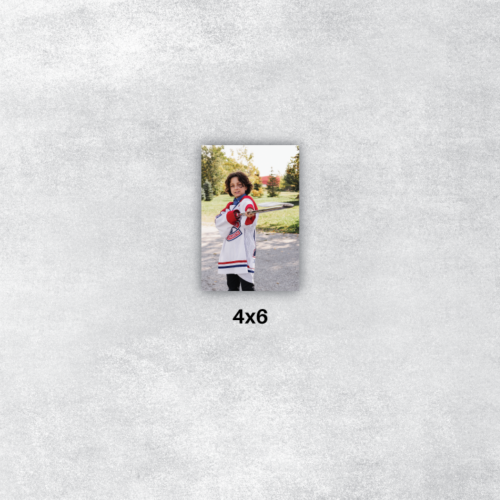 Add the number of photos you'd like to order to your cart. Once you place your order, you will receive a link to upload your photos. Realize you need more photos? No worries - any extra photos uploaded will be added to your order, which must be paid for upon pickup.
 -
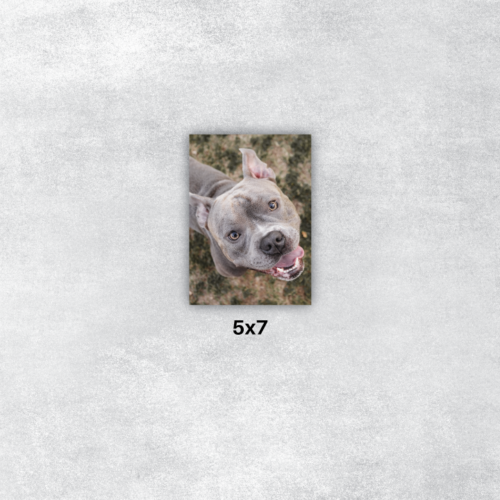 Upload your photos directly to LDMedia for printing. Once uploaded, make sure to add the correct quantity to your cart. Any extra photos uploaded will incur additional charges, which must be paid upon pickup.
 -
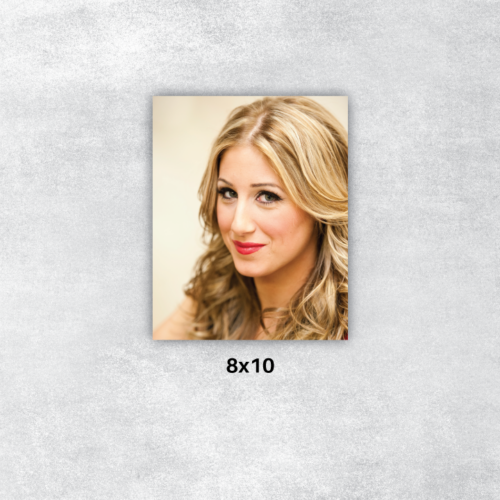 Upload your photos directly to LDMedia for printing. Once uploaded, make sure to add the correct quantity to your cart. Any extra photos uploaded will incur additional charges, which must be paid upon pickup.
 -
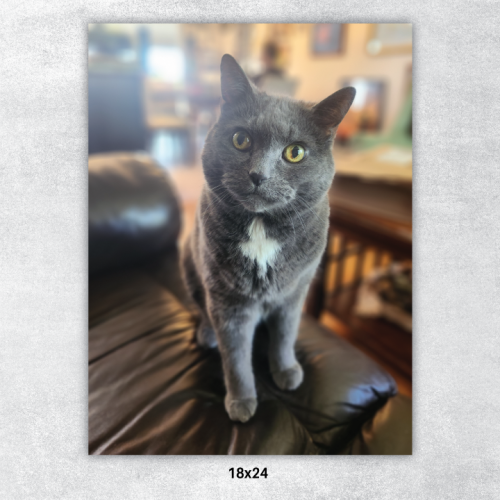 Upload your photos directly to LDMedia for printing. Once uploaded, make sure to add the correct quantity to your cart. Any extra photos uploaded will incur additional charges, which must be paid upon pickup.